
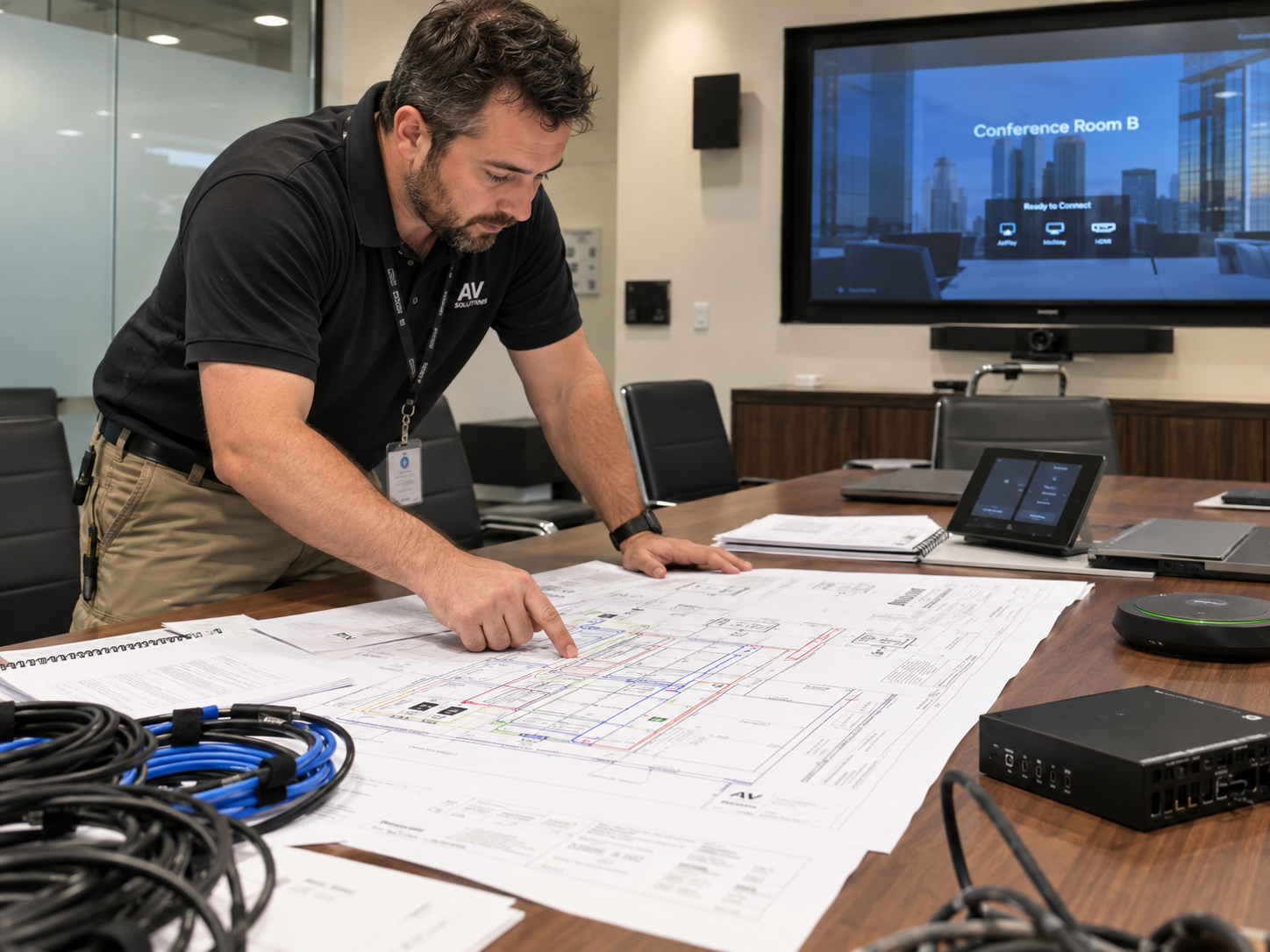
 Reliable business audio-video wiring starts with the room’s purpose, not a shopping list. Before walls close, define who will use each space, what they need to see and hear, where equipment will live, and how the system will be supported. A coordinated installer such as Milk Electrical can then plan power, low-voltage pathways, network capacity, controls, and future access as one practical system.
Begin With the Way Each Space Will Be Used
A boardroom, training room, lobby, restaurant area, and open office do not need identical systems. Start with a room-by-room brief. Record the usual audience size, presentation sources, displays, microphones, speakers, video-call platforms, lighting scenes, and accessibility needs. Also identify who will operate the system. A setup for trained event staff can be more complex than one intended for any employee to start with a single button.
Ask practical questions before choosing equipment:
- Will people present from company laptops, guest devices, or both?
- Does the room need meetings, video conferencing, digital signage, or several uses?
- Will audio or video be shared with other rooms?
- Who will receive alerts, updates, and service documentation?
These answers establish the signal routes, control points, outlets, network connections, and equipment locations the project needs.
Coordinate Power, Data, and Low-Voltage Work Early
AV equipment depends on more than speaker and display cables. Displays, amplifiers, processors, access points, control panels, and equipment racks all need suitable power and data. Their locations should be coordinated with framing, millwork, ceilings, furniture, lighting, ventilation, and fire-stopping requirements.
Early coordination reduces surface-mounted fixes and extension cords. It lets the team reserve accessible cable pathways, separate sensitive signal cables from likely interference, and place outlets where installed devices will use them. Electrical work, low-voltage work, and permitting requirements should be reviewed by qualified professionals for the property and jurisdiction.
Build an Infrastructure That Can Be Serviced
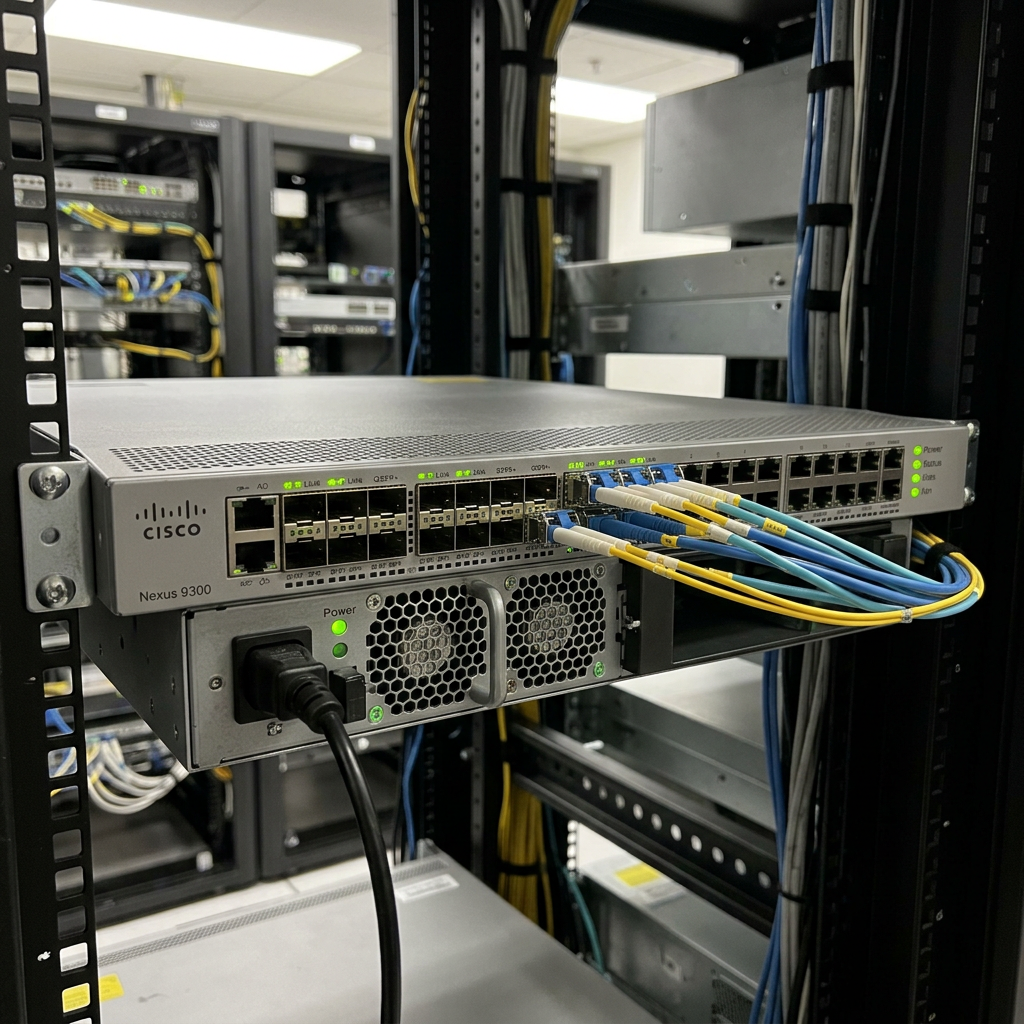
A clean installation is not only about hiding wires. Technicians need to trace, test, replace, and expand the system without opening finished walls unnecessarily. Use identified pathways, leave service access where appropriate, and document both cable ends.
| Planning decision | Why it matters |
|---|---|
| Central equipment location | Keeps core hardware organized and accessible |
| Labeled cable runs | Speeds troubleshooting and future changes |
| Ventilation and clearance | Supports intended equipment operation |
| Spare pathway capacity | Makes later additions less disruptive |
| Updated system diagram | Gives owners and technicians a reference |
When a project includes several rooms, Milk Electrical audio video wiring services Los Angeles provides a relevant service path for planning distributed audio-video cabling and control around the building’s layout.
Plan Controls and Energy Use Together
 The best system is one people can operate correctly. Give users clear room names, simple source choices, predictable volume limits, and an obvious shutdown sequence. Where practical, coordinate AV shutdown, occupancy behavior, and lighting scenes so unused spaces are not left fully active.
Lighting must be treated as part of the building plan rather than an AV afterthought. The California Energy Commission’s lighting guidance explains that lighting systems and controls must meet applicable Energy Code requirements while supporting efficient operation and adequate illumination. The team should confirm which current rules, documents, and acceptance procedures apply before installation.
Commission the System Before Handover
Testing should reflect real use, not merely confirm that devices turn on. Connect normal presentation sources, place test calls, play speech and program audio, check each display, and operate controls from the user’s position. Confirm that labels match the interface and that volume changes in one zone do not unexpectedly affect another.
A useful handover package includes:
- An equipment list with model information
- A cable schedule and simplified signal-flow drawing
- Network settings documented through a secure process
- Startup, shutdown, and basic recovery instructions
- Warranty, support, and update responsibilities
- A short staff orientation using common scenarios
Avoid Common Planning Mistakes
Do not choose equipment before defining the room, assume Wi-Fi can replace every cable, bury active devices where they cannot be serviced, or omit ventilation. Avoid one unlabeled pathway with no expansion capacity. Do not wait until finishes are installed to coordinate displays, speakers, cameras, lighting controls, power, and data.
Conclusion
Successful business AV wiring is an infrastructure project first and an equipment purchase second. Define how each room will work, coordinate power and low-voltage pathways early, keep equipment accessible, make controls understandable, and commission the complete system. That approach produces a cleaner installation today and a more adaptable, supportable workplace tomorrow.
FAQ Section
When should business AV wiring be planned?
Plan it during early design and before walls or ceilings close. This creates time to coordinate pathways, power, data, mounting, ventilation, finishes, and required inspections.
Should every AV device use a wired connection?
No. Mobile controls and guest devices may benefit from wireless access, while fixed displays, access points, and control processors often gain reliability from planned wired connections. Match the connection to the device and use case.
How much spare cabling or conduit is enough?
There is no universal percentage. Allowance depends on the building, pathway limits, expected changes, and budget. Identify plausible future additions and size accessible pathways accordingly.
What should be tested before acceptance?
Test every source, destination, room, control, audio zone, video-call path, network-dependent feature, and shutdown sequence. Verify labeling and documentation while installers can still correct problems.